Molding -Shock Tower Cover - RH (Remove and Replace)
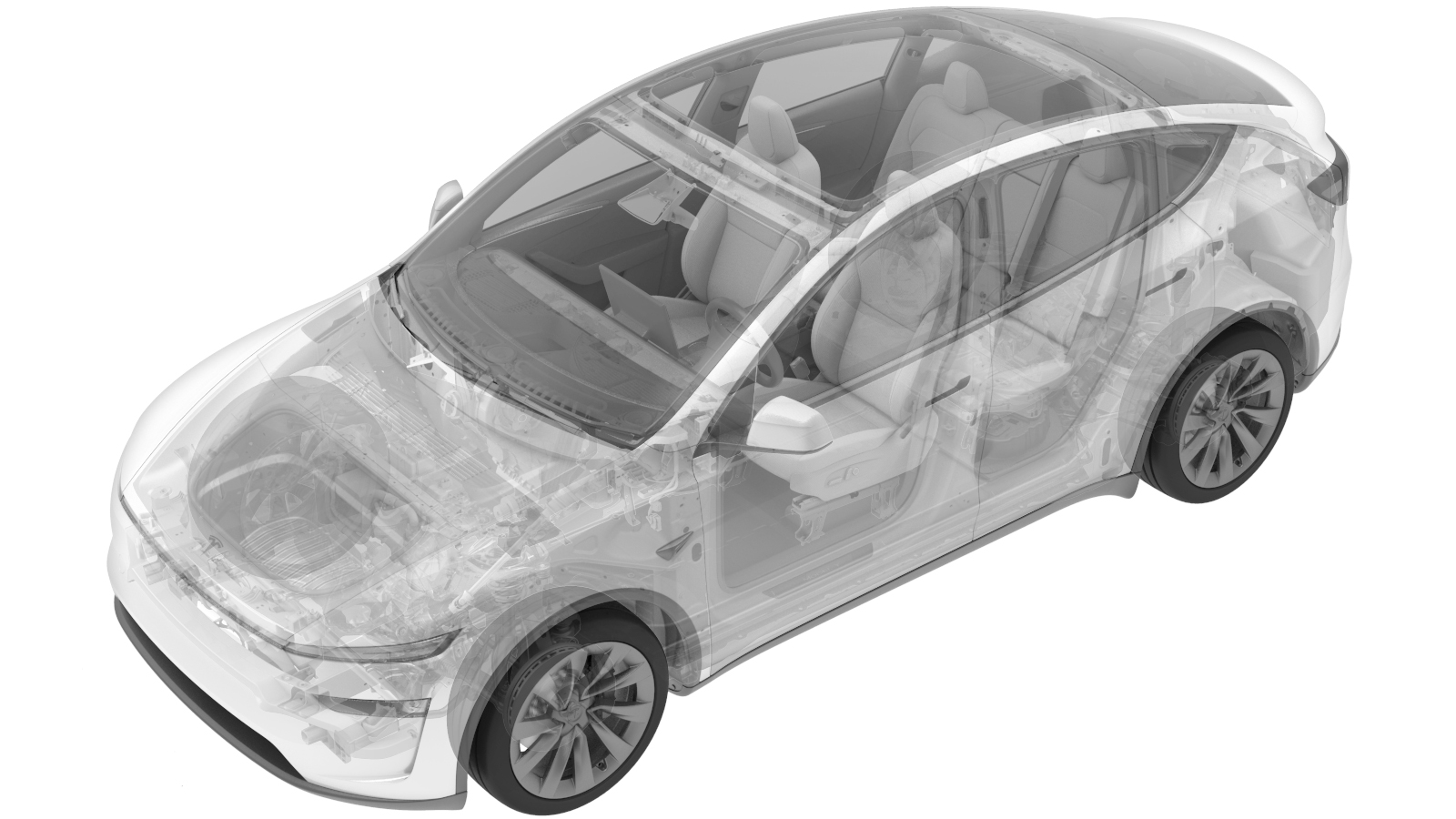 Correction code
1225010502
FRT
0.06
NOTE: Unless
otherwise explicitly stated in the procedure, the correction code and its
associated FRT reflect all of the work required to perform this procedure,
including the linked procedures. Do not stack correction
codes unless explicitly told to do so.
NOTE: See Flat Rate Times to
learn more about FRTs and how they are created.
NOTE: See Personal Protection to make
sure you are wearing proper PPE when performing the procedure below.
NOTE: See Ergonomic Precautions for safe and healthy
working practices.
Correction code
1225010502
FRT
0.06
NOTE: Unless
otherwise explicitly stated in the procedure, the correction code and its
associated FRT reflect all of the work required to perform this procedure,
including the linked procedures. Do not stack correction
codes unless explicitly told to do so.
NOTE: See Flat Rate Times to
learn more about FRTs and how they are created.
NOTE: See Personal Protection to make
sure you are wearing proper PPE when performing the procedure below.
NOTE: See Ergonomic Precautions for safe and healthy
working practices.
Remove
- Remove the rear underhood apron. See Underhood Apron - Rear (Remove and Replace).
-
Remove the cowl screen RH side retaining clip.
-
Release the harness clip from the RH
shock tower cover.
-
Release the clips and lift the cowl
screen to remove the RH shock tower cover.
Install
-
Lift the cowl screen to install the RH shock tower cover, and then secure the
clips.
-
Install the harness clip to the RH
shock tower cover.
-
Install the cowl screen RH side retaining clip.
- Install the rear underhood apron. See Underhood Apron - Rear (Remove and Replace).