Camera - B-Pillar - LH (Remove and Replace)
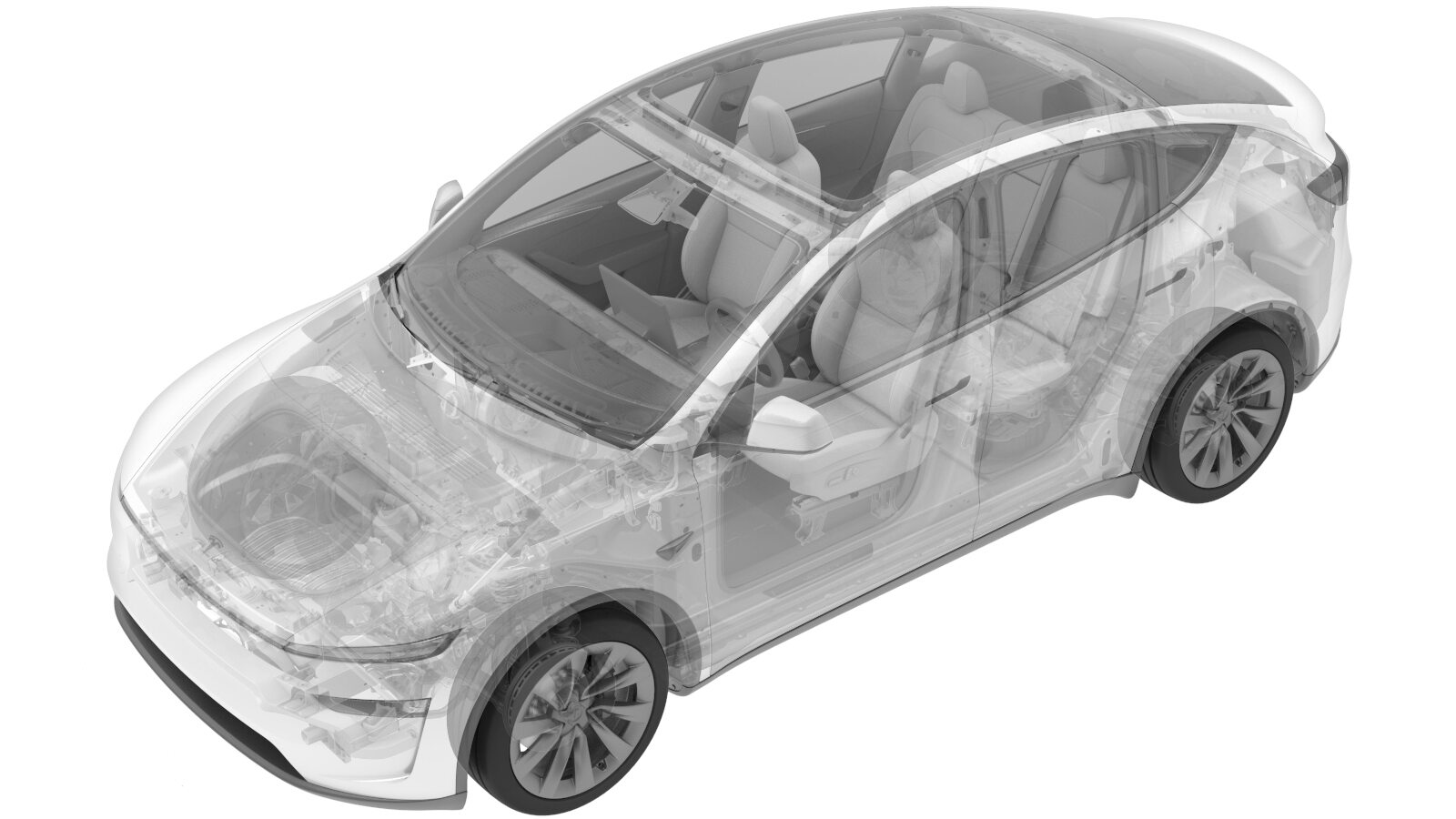 Correction code
1722010002
FRT
0.24
NOTE: Unless
otherwise explicitly stated in the procedure, the correction code and its
associated FRT reflect all of the work required to perform this procedure,
including the linked procedures. Do not stack correction
codes unless explicitly told to do so.
NOTE: See Flat Rate Times to
learn more about FRTs and how they are created.
NOTE: See Personal Protection to make
sure you are wearing proper PPE when performing the procedure below.
NOTE: See Ergonomic Precautions for safe and healthy
working practices.
- 2026-07-20: Added a note that for RH B-pillar cameras, brackets are not included in the new part— reuse the old bracket during installation.
- 2025-11-05: Added step informing the customer the car needs to be driven for camera calibration.
Remove
-
Remove the LH B-pillar camera. See Camera - B-Pillar - LH (Remove and Install).
NoteFor RH B-pillar cameras, the newly ordered cameras do not come with brackets; therefore, the bracket from the old camera must be removed and installed onto the new one.
Replace
-
Install the LH B-pillar camera. See Camera - B-Pillar - LH (Remove and Install).
NoteBack to this procedure to perform the routines.
- Unlock the vehicle gateway. See Gateway (Unlock).
- Perform the following routine using Service Mode or Toolbox (see 0005 - Service Modes): PROC_DAS_X_UPDATE-CAMERAvia Service Mode:Driver Assist ➜ Cameras ➜ Update Cameravia Toolbox:(link)
-
Perform the following
routine using Service Mode or Toolbox (see 0005 - Service Modes):
PROC_DAS_X_CLEAR-CALIBRATIONvia Service Mode:
- Driver Assist ➜ Cameras ➜ Clear Camera Calibration
- Driver Assist ➜ Driverless ➜ Clear Calibration
- Exit Service Mode. See Service Mode.
- Raise the LH front window and close the LH front door.
-
Inform the customer that the vehicle needs to be driven by the customer to complete the calibration procedure.
NoteSelf-calibration can take up to 100 miles (160 km) of manual driving, depending upon the road type and condition. Until self-calibration is complete, the message "Autopilot Features Currently Unavailable: Manual Driving Required While Camera Is Calibrating" is displayed if an attempt is made to engage an Autopilot feature.NoteNo FRT adjustment is required for the calibration procedure, as this task will be performed by the customer.