Quad Camera Cover Lower - HW4 (Remove and Replace)
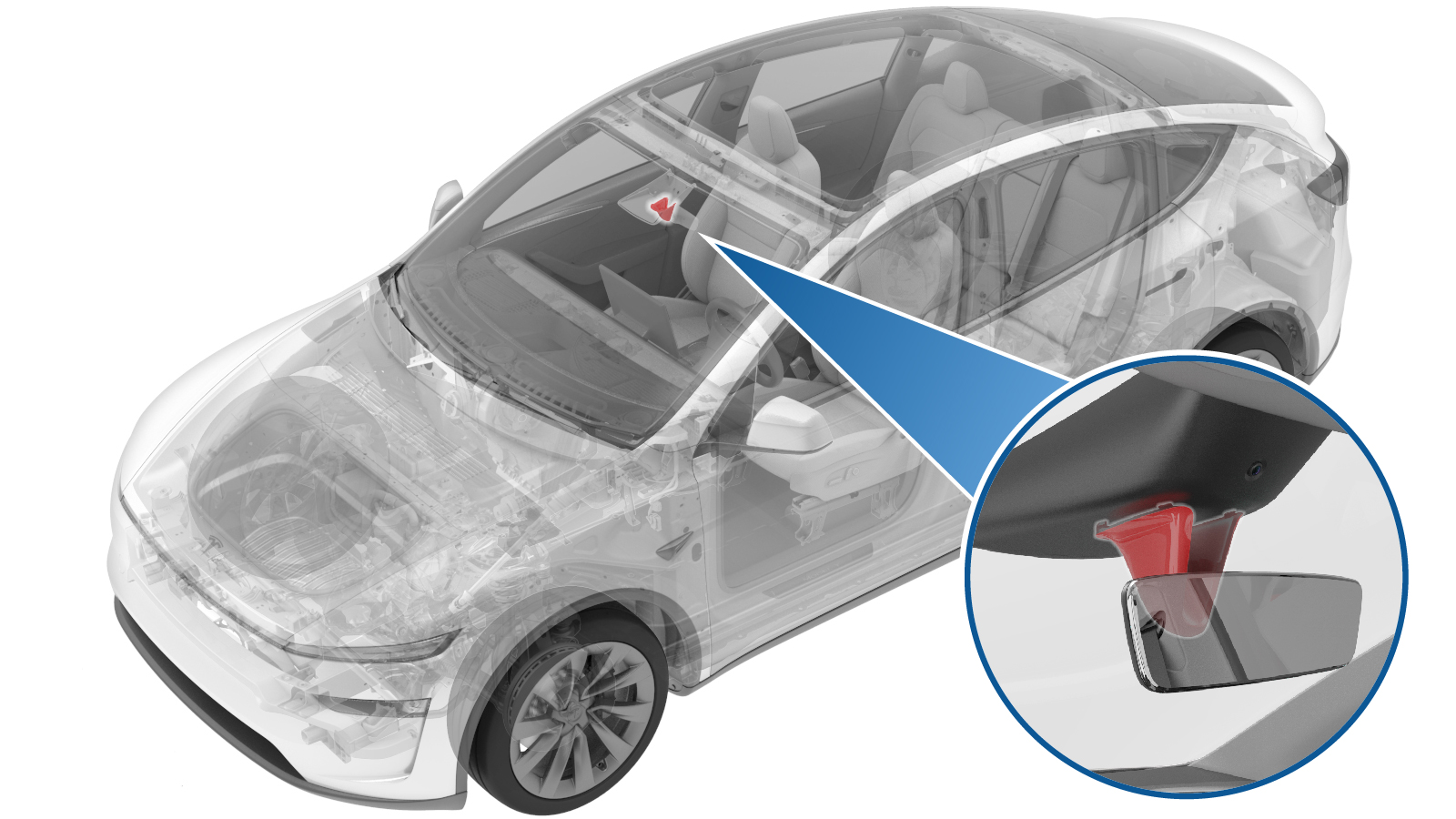 Correction code
1505010102
FRT
0.06
NOTE: Unless
otherwise explicitly stated in the procedure, the correction code and its
associated FRT reflect all of the work required to perform this procedure,
including the linked procedures. Do not stack correction
codes unless explicitly told to do so.
NOTE: See Flat Rate Times to
learn more about FRTs and how they are created.
NOTE: See Personal Protection to make
sure you are wearing proper PPE when performing the procedure below.
NOTE: See Ergonomic Precautions for safe and healthy
working practices.
Correction code
1505010102
FRT
0.06
NOTE: Unless
otherwise explicitly stated in the procedure, the correction code and its
associated FRT reflect all of the work required to perform this procedure,
including the linked procedures. Do not stack correction
codes unless explicitly told to do so.
NOTE: See Flat Rate Times to
learn more about FRTs and how they are created.
NOTE: See Personal Protection to make
sure you are wearing proper PPE when performing the procedure below.
NOTE: See Ergonomic Precautions for safe and healthy
working practices.
Remove
- Open the LH front door and lower the LH front window.
-
Squeeze on the both sides of the lower
camera cover and pull it downward away from the rear view mirror to release the tabs
(x4).
-
Depress the tabs (x2) to remove the
tether from the lower camera cover and mirror, and then remove the lower quad camera
cover.
Install
-
Guide the hook of the tether through
the anchor on the lower camera cover and the bottom of rear view mirror to intall the
tether.
-
Pinch the upper portion of the lower
camera cover and engage the cover into the locking tabs (x4).
- Raise the LH front window and close the LH front door.