Motor - Seat Tilt - 1st Row Seat - RH (Remove and Replace)
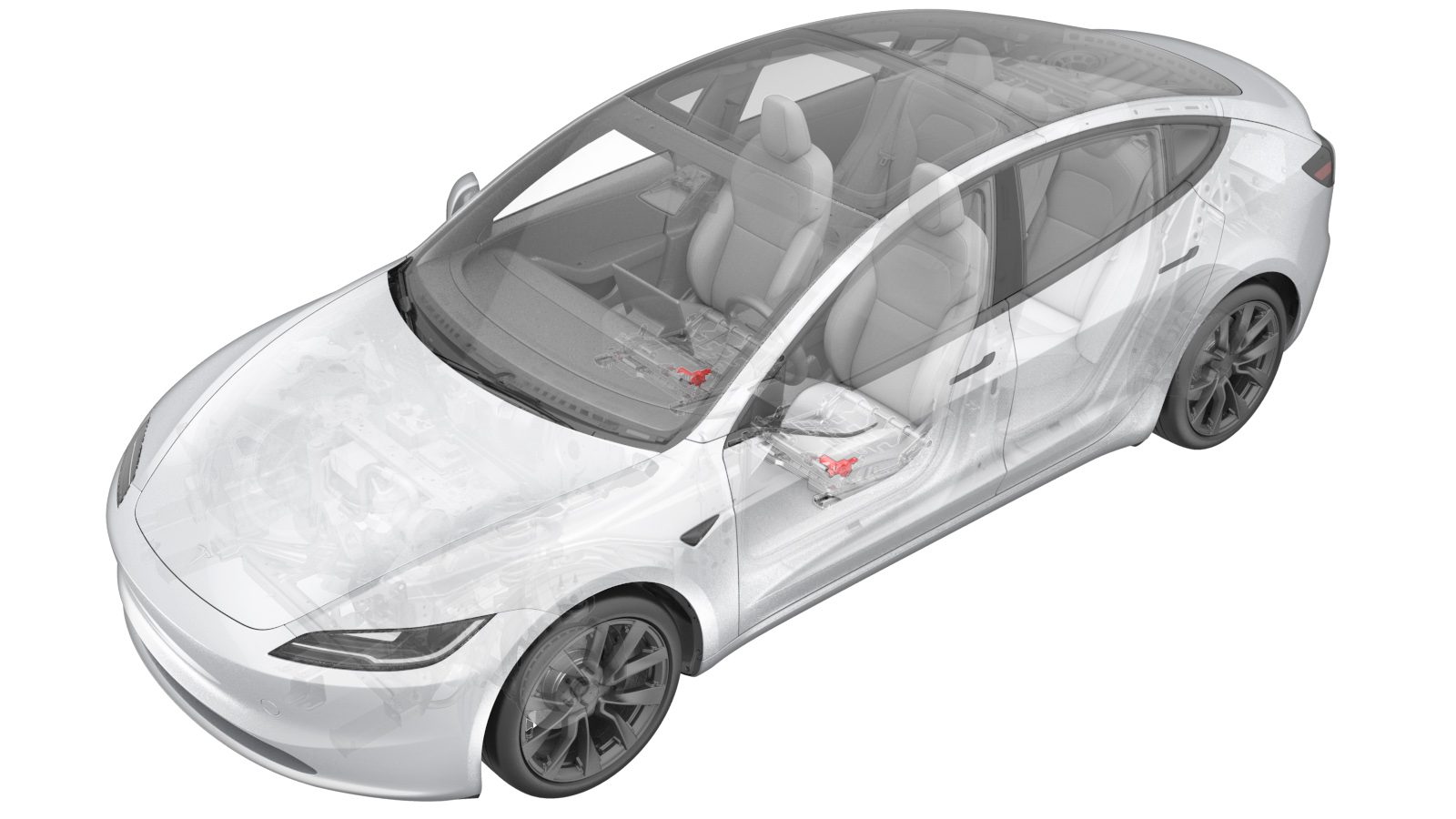 Correction code
1301020082
FRT
0.42
NOTE: Unless
otherwise explicitly stated in the procedure, the correction code and its
associated FRT reflect all of the work required to perform this procedure,
including the linked procedures. Do not stack correction
codes unless explicitly told to do so.
NOTE: See Flat Rate Times to
learn more about FRTs and how they are created.
NOTE: See Personal Protection to make
sure you are wearing proper PPE when performing the procedure below.
NOTE: See Ergonomic Precautions for safe and healthy
working practices.
Correction code
1301020082
FRT
0.42
NOTE: Unless
otherwise explicitly stated in the procedure, the correction code and its
associated FRT reflect all of the work required to perform this procedure,
including the linked procedures. Do not stack correction
codes unless explicitly told to do so.
NOTE: See Flat Rate Times to
learn more about FRTs and how they are created.
NOTE: See Personal Protection to make
sure you are wearing proper PPE when performing the procedure below.
NOTE: See Ergonomic Precautions for safe and healthy
working practices.
Torque Specifications
| Description | Torque Value | Recommended Tools | Reuse/Replace | Notes |
|---|---|---|---|---|
| Bolts (x3) that attach the RH front seat tilt motor to the seat frame |
 7.5 Nm (5.5 lbs-ft) |
|
Reuse | |
| Bolt that attaches the RH front seat tilt motor adjustment arm to the seat assembly |
16 Nm (11.8 lbs-ft) |
|
Replace | 1109741-00-E |
Remove
- Remove the RH front seat assembly. See Seat Assembly - 1st Row - No Lumbar - RH (Remove and Replace).
-
Disconnect the electrical harness from
the RH front seat tilt motor connector.
-
Remove and discard the bolt that
attaches the RH front seat tilt motor adjustment arm to the seat assembly.
TipUse of the following tool(s) is recommended:
- Torx T40 socket
-
Remove the bolts (x3) that attach the
RH front seat tilt motor to the seat frame, and then remove the RH front seat tilt motor
from the seat frame.
TipUse of the following tool(s) is recommended:
- 8 mm deep socket
Install
-
Position the RH front seat tilt motor
to the seat frame for installation.
NoteHold the tilt motor up and against the seat frame. Ensure the motor alignment pins are visible in the seat frame.
-
Install the bolts (x3) that attach the
RH front seat tilt motor to the seat frame.7.5 Nm (5.5 lbs-ft)TipUse of the following tool(s) is recommended:
- 8 mm deep socket
-
Install a new bolt that attaches the
RH front seat tilt motor adjustment arm to the seat assembly.16 Nm (11.8 lbs-ft)TipUse of the following tool(s) is recommended:
- Torx T40 socket
-
Connect the electrical harness to the
RH front seat tilt motor connector.
- Install the RH front seat assembly. See Seat Assembly - 1st Row - No Lumbar - RH (Remove and Replace).
- Unlock the vehicle gateway. See Gateway Unlock
-
Replacement front seat assemblies and seat cushion frame assemblies are equipped with a newly-designed "mini-tilt" motor, and replacing these parts (or the tilt motor itself) might require a configuration change. Review the configuration information in the table and perform the following substeps if a configuration update is needed.
Figure 1. Old Tilt Motor Figure 2. New Mini Tilt Motor (P/N: 1868276-00-B or newer) - Access the Vehicle Configuration section of the Infotainment Dashboard. See Gateway Configuration (Display and Change).
- Update cfg_frontSeattype according to the combination of tilt motors described in the table.
-
Perform the following
routine using Service Mode or Toolbox (see 0005 - Service Modes):
PROC_VCRIGHT_SEAT-CALIBRATEvia Service Mode:Low Voltage ➜ Seats ➜ Calibrate Seatvia Toolbox:(link)
CAUTIONThe seat will move automatically during this routine. Prior to execution, make sure there is nothing (including objects and aftermarket accessories) behind or underneath the related seat to prevent component damage.
- Exit Service Mode or disconnect the laptop if applicable (see 0005 - Service Modes).