Phone Dock (Clip) - Center Console (Remove and Replace)
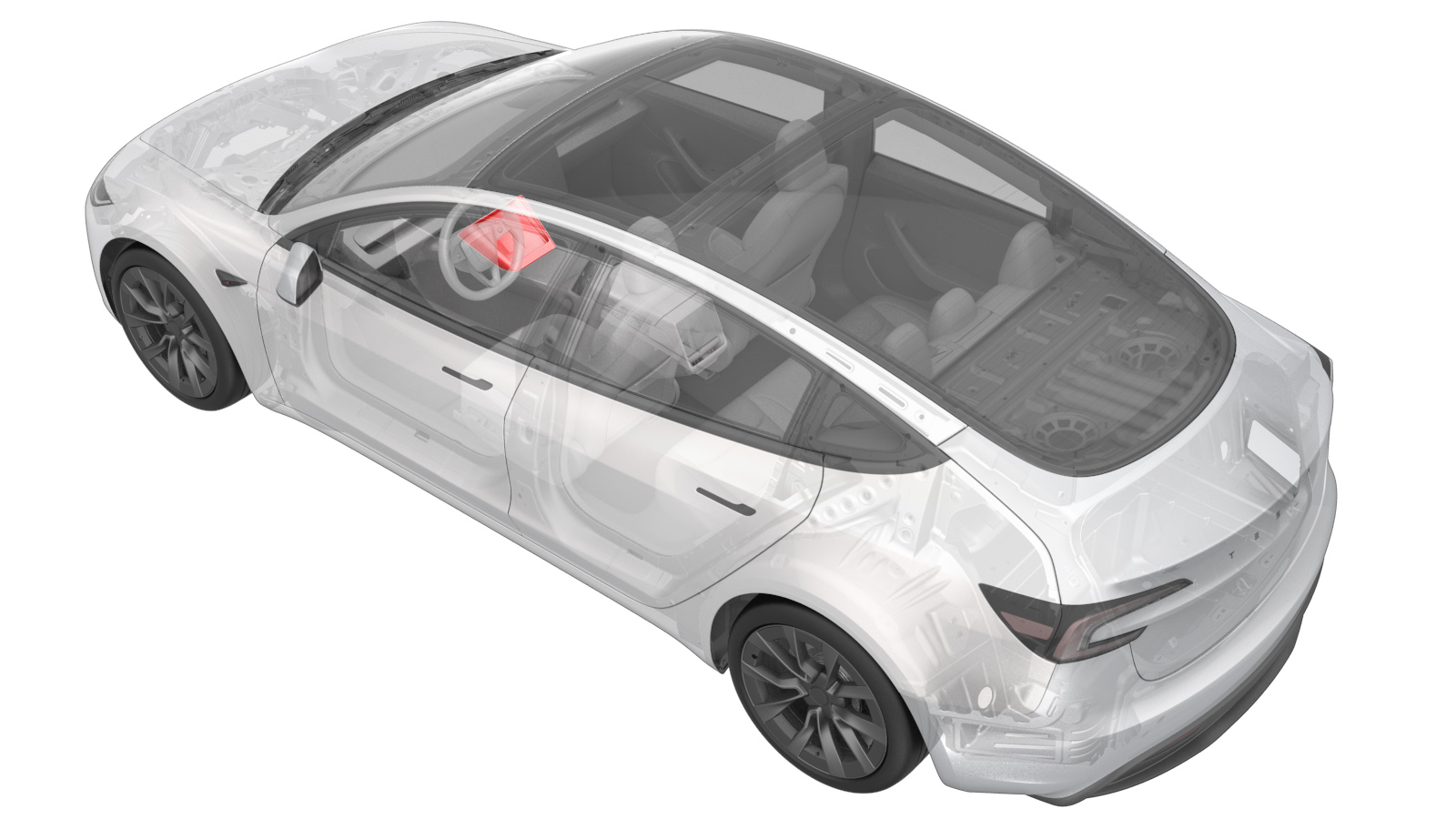 Correction code
1519010222
FRT
0.12
NOTE: Unless
otherwise explicitly stated in the procedure, the correction code and its
associated FRT reflect all of the work required to perform this procedure,
including the linked procedures. Do not stack correction
codes unless explicitly told to do so.
NOTE: See Flat Rate Times to
learn more about FRTs and how they are created.
NOTE: See Personal Protection to make
sure you are wearing proper PPE when performing the procedure below.
NOTE: See Ergonomic Precautions for safe and healthy
working practices.
Correction code
1519010222
FRT
0.12
NOTE: Unless
otherwise explicitly stated in the procedure, the correction code and its
associated FRT reflect all of the work required to perform this procedure,
including the linked procedures. Do not stack correction
codes unless explicitly told to do so.
NOTE: See Flat Rate Times to
learn more about FRTs and how they are created.
NOTE: See Personal Protection to make
sure you are wearing proper PPE when performing the procedure below.
NOTE: See Ergonomic Precautions for safe and healthy
working practices.
- 2026-03-10: Added the firmware reinstallation step.
Torque Specifications
| Description | Torque Value | Recommended Tools | Reuse/Replace | Notes |
|---|---|---|---|---|
| Screws (x3) that attach the inductive charger to the phone dock |
 1 Nm (.7 lbs-ft) |
|
Reuse |
Remove
- Open the LH front door and lower the LH front window.
-
Release the clips (x4) and tabs (x6)
that attach the phone dock to the center console.
WarningThe video(s) included in this procedure are meant as an overview for supplemental purposes only. Follow all of the steps listed in the procedure to avoid damage to components and/or personal injury.NotePull the bottom of the phone dock rearward along the center console.CAUTIONDo not use excessive force. If the phone dock will not release, refer to Phone Dock (Screw) - Center Console (Remove and Replace).
-
Disconnect the electrical connector, and then remove the phone dock from the
instrument panel.
-
Remove the screws (x3) that attach the
inductive charger to the phone dock.
TipUse of the following tool(s) is recommended:
- Torx T20 socket
-
Release the tabs (x2) and datums (x2)
that attach the inductive charger to the phone dock, and then remove the inductive
charger from the phone dock.
NoteAngle the inductive charger up and slide out of the phone dock.
Install
-
Fasten the tabs (x2) and datums (x2)
that attach the inductive charger into the phone dock.
NoteSlide the inductive charger datums into the phone dock, and then fully engage the tabs at the top of the phone dock.
-
Install the screws (x3) that attach
the inductive charger to the phone dock.1 Nm (.7 lbs-ft)TipUse of the following tool(s) is recommended:
- Torx T20 socket
-
Connect the electrical connector, and
then install the phone dock to the instrument panel.
-
Fasten the clips (x4) and tabs (x6)
that attach the phone dock to the center console.
NoteSlide the datums forward into the center console, and then secure the tabs down.
- Reinstall the vehicle firmware. See Software Reinstall - Touchscreen.
- Raise the LH front window and close the LH front door.