Wireless Charger Module - Center Console (Remove and Replace)
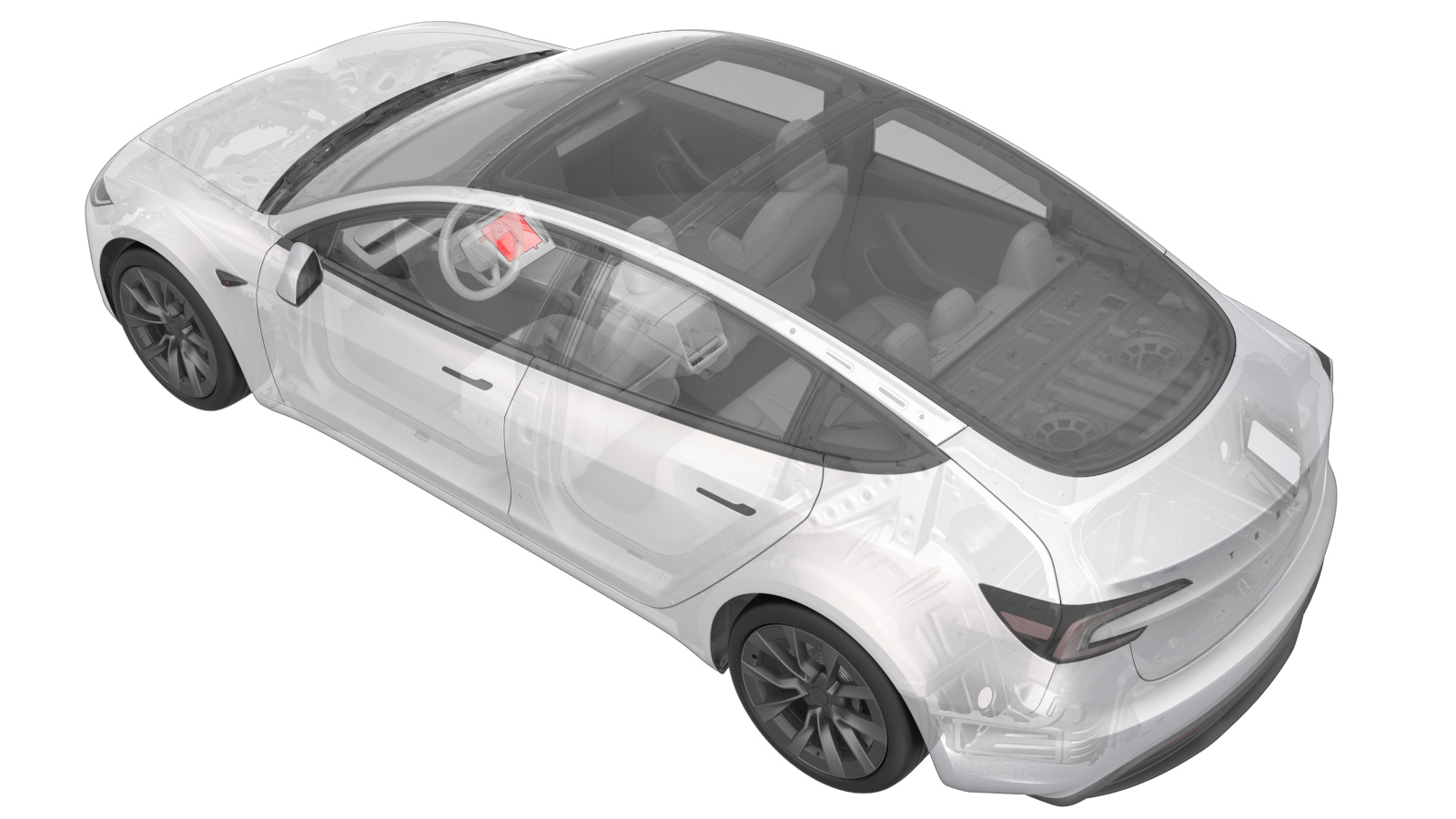 Correction code
1519010232
FRT
0.42
Correction code
1519010272
FRT
0.18
NOTE: Unless
otherwise explicitly stated in the procedure, the correction code and its
associated FRT reflect all of the work required to perform this procedure,
including the linked procedures. Do not stack correction
codes unless explicitly told to do so.
NOTE: See Flat Rate Times to
learn more about FRTs and how they are created.
NOTE: See Personal Protection to make
sure you are wearing proper PPE when performing the procedure below.
NOTE: See Ergonomic Precautions for safe and healthy
working practices.
Correction code
1519010232
FRT
0.42
Correction code
1519010272
FRT
0.18
NOTE: Unless
otherwise explicitly stated in the procedure, the correction code and its
associated FRT reflect all of the work required to perform this procedure,
including the linked procedures. Do not stack correction
codes unless explicitly told to do so.
NOTE: See Flat Rate Times to
learn more about FRTs and how they are created.
NOTE: See Personal Protection to make
sure you are wearing proper PPE when performing the procedure below.
NOTE: See Ergonomic Precautions for safe and healthy
working practices.
- 2025-10-22: Added the method of distinguishing between clip-secured and screw-secured wireless charging modules based on the vehicle build time.
- 2025-03-11: Added LV power connecting/disconnecting steps and firmware reinstalling step for the wireless charger which is fastened on a clip-secured phone dock.
- 2024-08-08: Added correction code and reference for the wireless charger which is fastened on a screw-secured phone dock.
- If the vehicle is built after March 3rd, 2024, the wireless charger module should be fastened on a screw-secured phone dock. Use correction code 1519010232, and see Procedure (Screw).
- If the vehicle is built before March 3rd, 2024, the wireless charger module should be fastened on a clip-secured phone dock. Use correction code 1519010272, and see Procedure (Clip).
Procedure (Screw)
- Replace the wireless charger module. See Phone Dock (Screw) - Center Console (Remove and Replace).
Procedure (Clip)
- Disconnect the LV battery power. See LV Power (Disconnect and Connect) (Modify).
- Replace the wireless charger module. See Phone Dock (Clip) - Center Console (Remove and Replace).
- Connect the LV battery power. See LV Power (Disconnect and Connect) (Modify).
- Reinstall the vehicle firmware. See Software Reinstall - Touchscreen.
- Exit Service Mode. See Service Mode.