Sensor - Pressure Tube (Pedestrian Protection) (EMEA) (Remove and Replace)
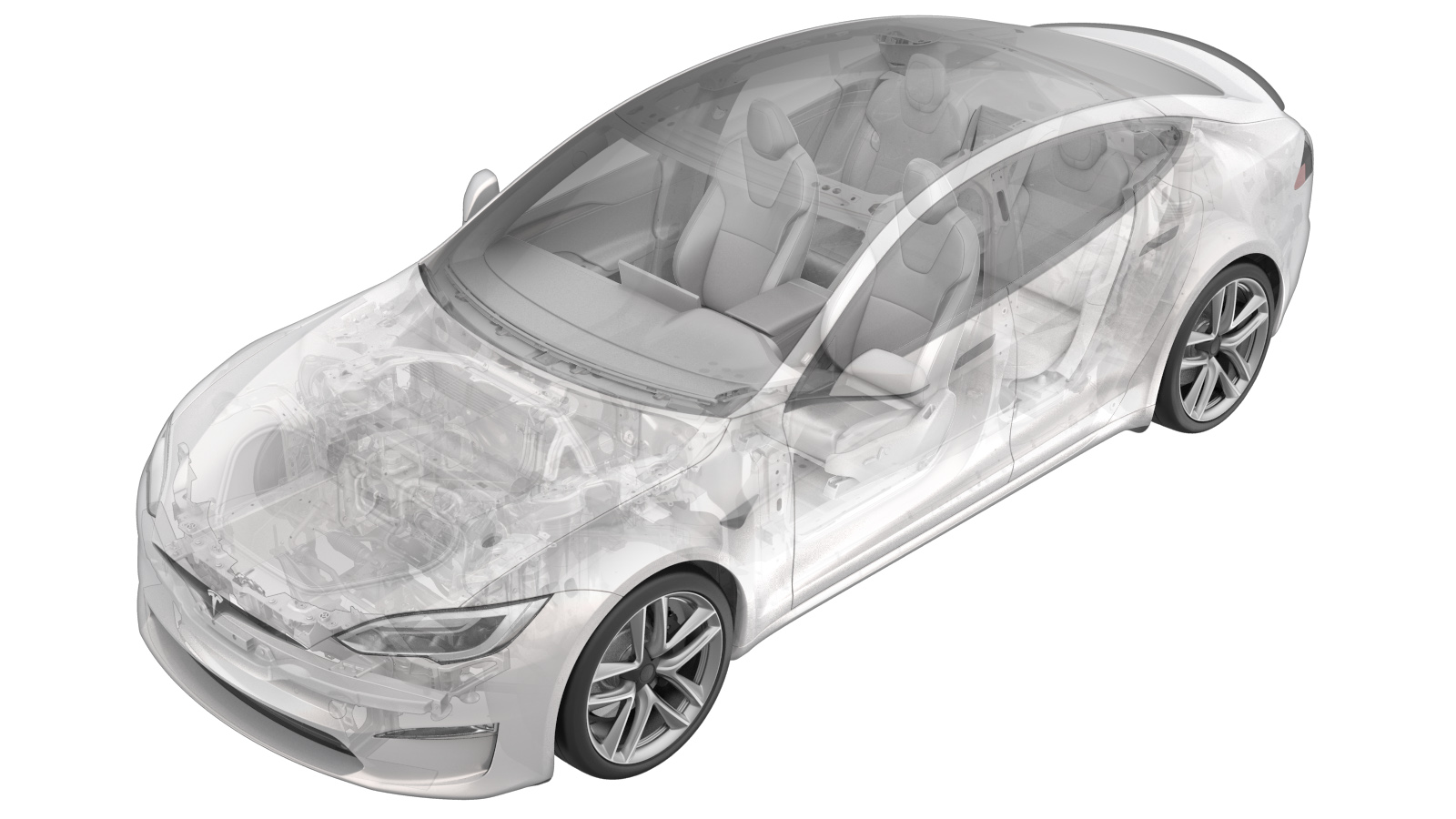 Correction code
20202012
0.48
NOTE: Unless otherwise explicitly
stated in the procedure, the correction code and its associated FRT reflect all of the
work required to perform this procedure, including the linked procedures. Do not stack correction codes unless
explicitly told to do so.
NOTE: See Flat Rate Times to learn
more about FRTs and how they are
created.
NOTE: See Personal Protection to make sure proper PPE is worn when
performing the below
procedure.
Correction code
20202012
0.48
NOTE: Unless otherwise explicitly
stated in the procedure, the correction code and its associated FRT reflect all of the
work required to perform this procedure, including the linked procedures. Do not stack correction codes unless
explicitly told to do so.
NOTE: See Flat Rate Times to learn
more about FRTs and how they are
created.
NOTE: See Personal Protection to make sure proper PPE is worn when
performing the below
procedure.
- 2026-08-06: Added steps of disconnecting/connecting the LV battery power and re-arranged the steps.
Remove
-
Place the vehicle on the 2-post
lift.
TipEnsure the vehicle is not charging.
- Disconnect the LV battery power. See LV Power (Disconnect and Connect).
- Remove the front fascia. See Fascia Assembly - Front (Remove and Install).
-
Release the locking tab to disconnect
the RH pressure tube sensor connector.
-
Release the locking tab to disconnect
the LH pressure tube sensor connector.
-
Remove the brush clips (x4) that
attach the bumper foam to the front bumper beam.
NoteReplace the clips and the bumper beam foam if damaged.
-
Remove the bumper foam from the
vehicle.
-
Remove the pressure tube from the
bumper foam.
Install
-
Install the pressure tube into the
bumper foam.
NoteWhen inserting the pressure tube sensor into the foam assembly, ensure the center marking on the tube lines up with the center inboard fir tree clip so that the tube is not twisted.
-
Position the bumper foam onto the
front bumper beam.
-
Install the brush clips (x4) that
attach the bumper foam to the front bumper beam.
-
Reconnect the LH pressure tube sensor
connector and secure the locking tab.
-
Reconnect the RH pressure tube sensor
connector and secure the locking tab.
- Install the front fascia. See Fascia Assembly - Front (Remove and Install).
- Connect the LV battery power. See LV Power (Disconnect and Connect).
- On the touchscreen, tap to remove the air suspension from Jack Mode.
- Locally connect a laptop with Toolbox 3 to the vehicle. See Toolbox (Connect and Disconnect).
- Perform the following routine using Service Mode or Toolbox (see 0005 - Service Modes): PROC_RCM_X_SERVICE-TASKSvia Service Mode Plus:Safety & Restraints ➜ Safety Testing ➜ RCM Service Tasksvia Toolbox:(link)
- Disconnect the laptop with Toolbox 3. See Toolbox (Connect and Disconnect).
- On the touchscreen, press and hold the Exit Service Mode button to exit Service Mode Plus.
- Raise the LH front window and close the LH front door.
- Remove the vehicle from the lift.